
A 3D product configurator helps customers see, customize, and explore a product before they buy it. Instead of looking at a few fixed product images, shoppers can change colors, materials, sizes, features, finishes, and other options in real time.
For businesses that sell products with many variations, this technology can make the buying process easier and more engaging. It can also reduce confusion, improve product visualization, support sales teams, and give customers more confidence before placing an order.
In this guide, we will explain what a 3D product configurator is, how it works, its main benefits, common uses, development costs, and what businesses should consider before investing in one.
What Is a 3D Product Configurator?
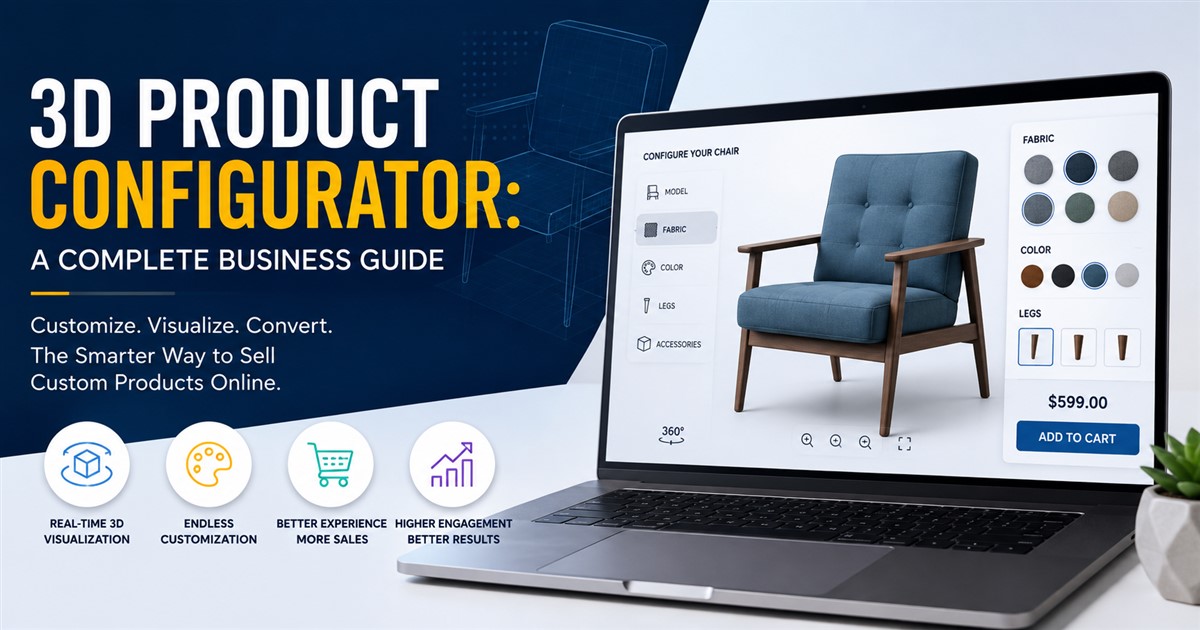
A 3D product configurator is an interactive digital tool that allows customers to customize a product and view the changes in a 3D environment. The customer can select different options and immediately see how the product looks.
For example, a furniture company could allow shoppers to choose a sofa style, fabric, color, leg design, and size. Instead of showing hundreds of separate product images, the configurator can create a visual representation based on the customer’s selections.
This makes the shopping experience more interactive than a traditional product page. It is especially useful when a product has many combinations or customization options.
How Does a 3D Product Configurator Work?
A configurator usually combines a 3D product model, product data, customization rules, and an interactive web interface. These parts work together to show the correct version of a product as the customer changes options.
- 3D modeling: A detailed digital model of the product is created.
- Materials and textures: Different colors, finishes, fabrics, metals, or surfaces are added.
- Product options: Available sizes, parts, features, and variations are defined.
- Configuration rules: The system determines which combinations are allowed.
- Interactive interface: Customers receive controls for changing product options.
- Real-time visualization: The 3D model updates as the customer makes selections.
The quality of the underlying 3D model is important. A configurator can only provide a convincing experience when the product model, materials, proportions, and details are accurate.
Businesses that need accurate technical product models can also explore 3D product modeling services before developing their configurator.
Why Are Businesses Using 3D Product Configurators?
Online customers cannot physically touch a product before buying it. This can make it harder for them to understand size, shape, material, color, and customization options.
A 3D configurator helps solve this problem by allowing customers to interact with a product digitally. Instead of trying to imagine the final product, they can see different options on the screen.
This can be especially valuable for products that are expensive, customizable, or visually important.
Key Benefits of a 3D Product Configurator
1. Better Product Visualization
Customers can view a product from different angles and see how individual options affect its appearance. This gives them a clearer understanding of what they are considering.
For example, a customer buying a customized kitchen cabinet can change the door style, wood finish, handle design, and color instead of viewing only a few static photographs.
2. Higher Customer Engagement
Interactive content can encourage shoppers to spend more time exploring a product. Clicking through different options can make the buying process more interesting than simply scrolling through images.
The customer becomes an active participant in creating the product rather than a passive viewer.
3. More Confidence Before Purchase
Customization can create uncertainty when customers cannot see the final result. A 3D configurator reduces this uncertainty by showing the selected options together.
This can be useful for furniture, vehicles, consumer products, industrial equipment, jewelry, and other customizable products.
4. Fewer Product Selection Mistakes
Customers sometimes select the wrong option because product variations are difficult to understand. A visual configurator can make available choices clearer.
Businesses can also use configuration rules to prevent incompatible selections. For example, if a particular accessory only works with one product version, the system can prevent customers from selecting an incompatible combination.
5. Stronger Sales Presentations
Sales teams can use configurators during online meetings, showrooms, trade shows, or product demonstrations. Instead of explaining every variation verbally, they can build the desired version visually.
6. Useful Content for E-Commerce
High-quality 3D product visuals can support product pages, advertising, sales presentations, and other digital marketing activities.
If your business sells products online, it is also useful to understand how 3D product modeling supports e-commerce and customer experiences.
Which Industries Can Use 3D Product Configurators?
3D configurators are not limited to one industry. Any business that sells products with multiple options may benefit from interactive product customization.
| Industry | Common Configuration Options | Potential Use |
|---|---|---|
| Furniture | Fabric, color, size, legs, materials | Customize sofas, tables, beds, and cabinets |
| Automotive | Color, wheels, trims, accessories | Build and preview vehicle options |
| Jewelry | Metal, stones, size, design | Preview personalized jewelry |
| Consumer Products | Colors, finishes, accessories | Customize product appearance |
| Industrial Equipment | Components, sizes, technical options | Configure equipment for specific needs |
| Architecture | Materials, finishes, layouts | Present design options to clients |
| Fashion | Colors, materials, patterns | Visualize customized products |
3D Product Configurator vs. Traditional Product Images
Traditional product photography is still useful, but it has limitations when a product has many variations. A business may need dozens or even hundreds of photos to represent every possible combination.
A 3D configurator can provide a more flexible approach. One well-built 3D model can be combined with multiple materials, colors, components, and options.
| Feature | Traditional Images | 3D Configurator |
|---|---|---|
| Customization | Limited | Highly interactive |
| View angles | Depends on available photos | Can support interactive viewing |
| Product variations | Requires additional images | Can combine digital options |
| Customer interaction | Low | High |
| Initial production | Photography is required | 3D modeling and development are required |
Both approaches can work together. A business does not necessarily need to replace photography with 3D. Instead, interactive 3D can complement existing product images and videos.
For a deeper comparison, see 3D product models vs. product photography.
Important Features of a 3D Product Configurator
The right features depend on the product and business goals. However, several functions are commonly useful.
Interactive 3D Viewing
Customers should be able to rotate, zoom, and inspect the product. A smooth viewer makes the experience easier to understand.
Color and Material Selection
Customers should be able to switch between available colors, finishes, and materials and immediately see the result.
Size and Dimension Options
For products available in different sizes, the configurator can show the selected dimensions or model variations.
Component Selection
Businesses can allow users to add or remove accessories, parts, handles, wheels, lighting, or other components.
Price Updates
If different options have different prices, the configurator can update the estimated price as the customer changes the product.
Product Availability
Advanced systems can connect product options with inventory or business rules. This can help prevent customers from selecting unavailable combinations.
Mobile-Friendly Design
Many customers browse products on smartphones. The configurator should therefore work well on different screen sizes and remain easy to control on touch devices.
How Much Does a 3D Product Configurator Cost?
The cost can vary widely because a simple configurator and a complex enterprise platform require very different amounts of work.
| Cost Factor | Why It Matters |
|---|---|
| 3D Model Complexity | Detailed products require more modeling time. |
| Number of Variations | More options require more configuration work. |
| Materials and Textures | Realistic finishes increase visual development requirements. |
| Custom Features | Pricing, rules, animations, and other functions add development work. |
| Platform Integration | E-commerce, CRM, ERP, or inventory connections can increase complexity. |
| Performance Requirements | High-quality 3D must be optimized for smooth performance. |
There is no single price that applies to every project. Businesses should define the required features first and then request a project-specific estimate.
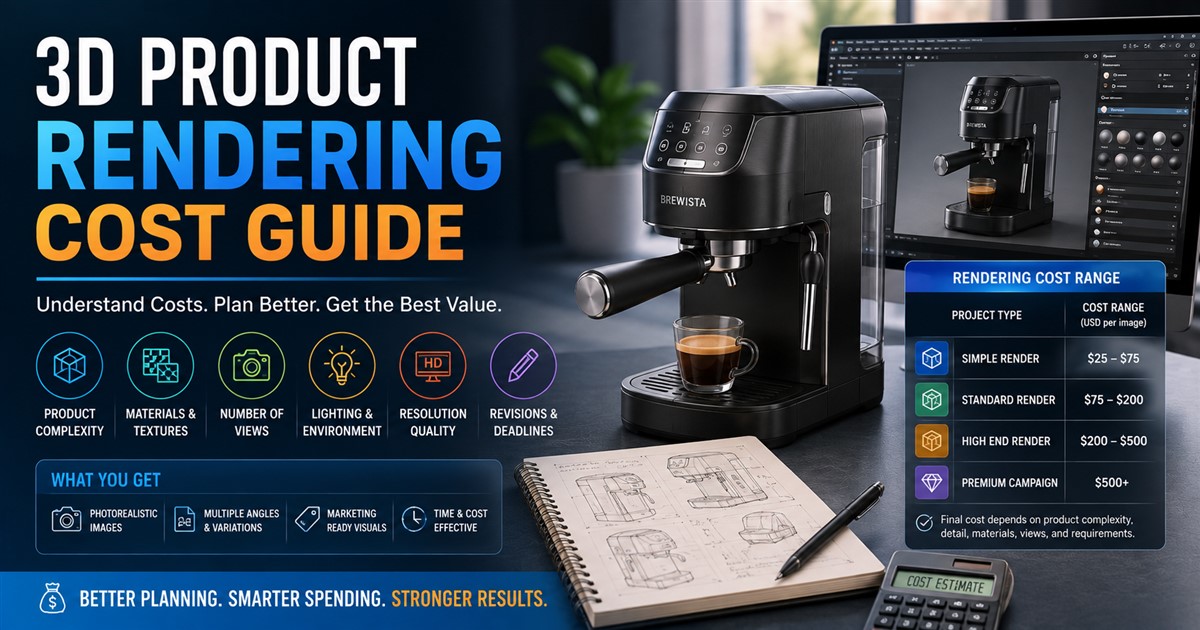
You can learn more about the factors that affect 3D modeling pricing before planning your project budget.
3D Modeling Is the Foundation of the Configurator
A product configurator may have an attractive interface, but the underlying 3D model still needs to be accurate. Poor geometry, incorrect proportions, weak textures, or missing details can reduce the quality of the entire experience.
The model should also be optimized for digital use. A highly detailed model created only for high-resolution rendering may be too heavy for a real-time web configurator.
This means businesses should consider both visual quality and technical performance during the modeling stage.
3D Product Configurator Development Process
A typical project can be divided into several stages.
- Define the business goal: Decide what the configurator needs to achieve.
- List product options: Identify colors, materials, dimensions, components, and other variations.
- Create the 3D model: Build accurate product geometry.
- Create materials: Add realistic surfaces and finishes.
- Build configuration rules: Define which options can work together.
- Develop the interface: Create controls that customers can easily understand.
- Optimize performance: Reduce unnecessary model complexity and improve loading speed.
- Test the system: Check product combinations, devices, browsers, and user interactions.
- Launch and improve: Monitor customer behavior and make improvements over time.
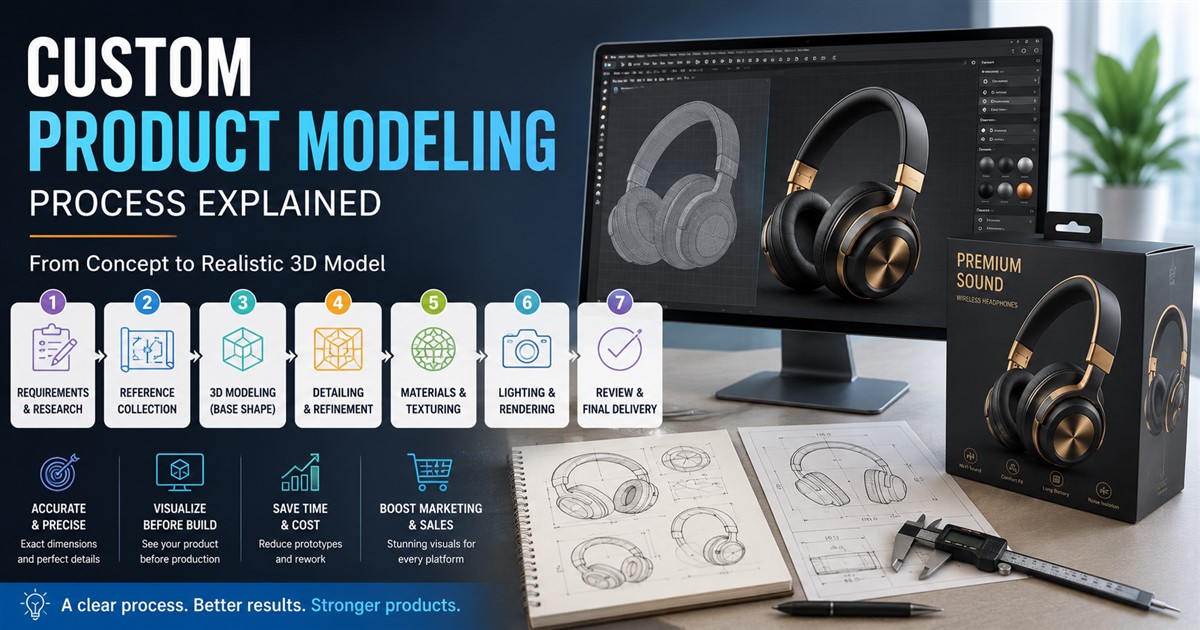
A structured workflow can help reduce mistakes and keep the project organized. Businesses can also review this 3D modeling project workflow when planning the modeling stage.
How 3D Configurators Can Support Sales
The biggest business opportunity is not simply having an impressive 3D feature. The real value comes from making it easier for customers to understand and choose a product.
For example, imagine a customer looking for a customized office chair. They can select the frame color, seat material, armrest type, base, and other options. Instead of contacting a salesperson for every variation, they can explore many combinations themselves.
This can shorten the decision process and help customers understand what they are buying.
Businesses should still measure actual results. Useful metrics can include product engagement, configuration completion, add-to-cart activity, quote requests, sales conversions, and customer feedback.
Common Mistakes to Avoid
Making the Configurator Too Complicated
More features do not always create a better experience. Too many controls can confuse customers. Keep the interface simple and organize options into clear groups.
Ignoring Mobile Users
A configurator that works well on desktop but performs poorly on smartphones can lose potential customers. Mobile testing should be part of the development process.
Using Heavy 3D Models
Extremely large models can increase loading times and reduce performance. Models should be optimized without sacrificing important visual details.
Skipping Configuration Rules
If incompatible options can be selected together, customers may create products that cannot actually be manufactured or delivered.
Focusing Only on Appearance
A configurator should support a business goal. It should help customers choose, understand, compare, request a quote, or purchase a product.
Should Your Business Invest in a 3D Product Configurator?
A configurator can be a strong investment when your products have many variations and customers need help understanding those options.
It may be particularly useful when:
- Your products have multiple colors, materials, or sizes.
- Customers frequently request custom configurations.
- Your products are difficult to explain with static images.
- Customers need to visualize the final product before buying.
- Your sales team spends significant time explaining product variations.
- Your business wants a more interactive online shopping experience.
However, a configurator may not be necessary for a simple product with very few variations. In that situation, high-quality product images, 3D renders, or short product animations may provide enough visual information.
Final Thoughts
A 3D product configurator can turn a traditional product page into an interactive buying experience. Customers can explore products, test different options, and see a closer representation of what they want before making a decision.
For businesses, the benefits can go beyond visual appeal. A well-designed configurator can support product education, customer engagement, sales presentations, customization, and e-commerce experiences.
The most important part is to start with a clear business goal and an accurate, optimized 3D product model. From there, the right configuration features, rules, interface, and integrations can be added based on the needs of the business.
If you are planning a new 3D visualization project, you can contact 3D Modeling Service to discuss your requirements and determine the right approach for your product.
Frequently Asked Questions
What is a 3D product configurator?
A 3D product configurator is an interactive tool that allows customers to customize a digital product and see their selections in 3D. It can show changes to colors, materials, sizes, components, and other product options.
What products work best with 3D configurators?
Products with many variations usually benefit the most. Examples include furniture, vehicles, jewelry, consumer goods, industrial equipment, kitchen products, and customized products.
Can a 3D configurator show different colors?
Yes. A configurator can allow users to switch between different colors, materials, finishes, and textures when those options are included in the product model and configuration system.
Can a 3D configurator update product prices?
Yes. A custom configurator can be connected to pricing rules so that the displayed price changes when customers select different options or accessories.
Does a business need a new 3D model for a configurator?
Not always. Existing models may be usable if they have the right geometry, materials, formats, and level of detail. However, existing models may need optimization or modification for real-time web use.
Is a 3D product configurator useful for e-commerce?
Yes. It can help online shoppers understand customizable products and see their preferred options before buying. It can also make product pages more interactive.
How much does a 3D product configurator cost?
The cost depends on the product model, number of variations, visual quality, configuration rules, integrations, and development requirements. A simple project can be much less complex than an enterprise-level configurator.
Can a 3D configurator work on mobile devices?
Yes. A properly developed configurator can support smartphones and tablets. Mobile performance should be considered during modeling, development, and testing.