
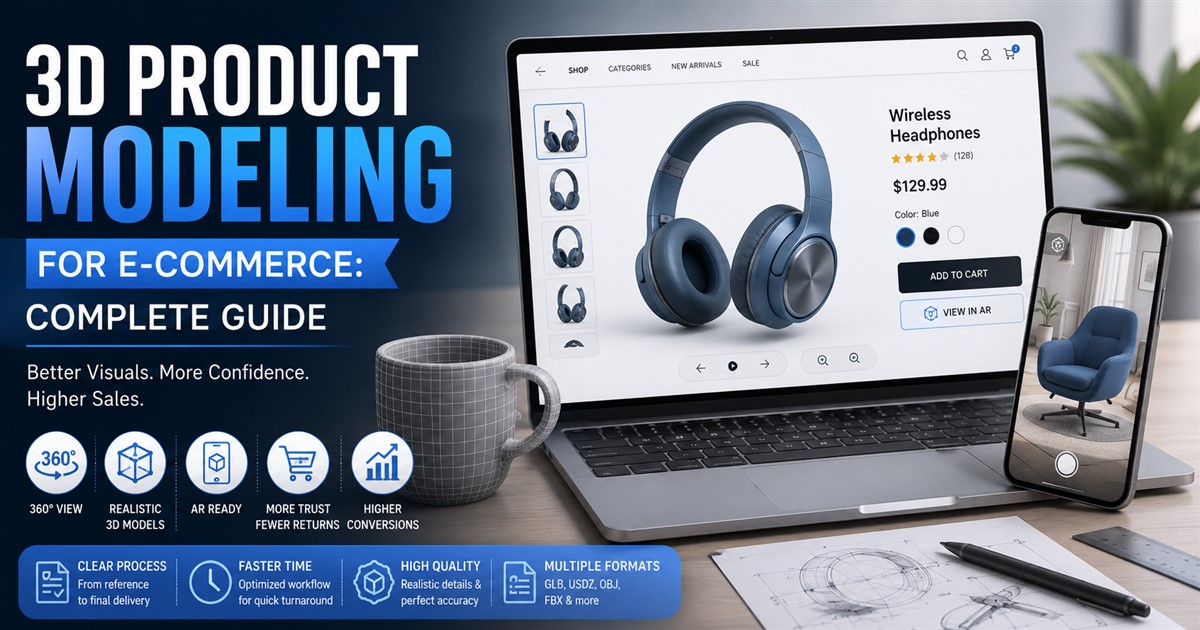

Online shopping has changed a lot in the last few years. People can’t touch or hold a product before buying it, so they rely on what they see on the screen. This is where 3D product modeling comes in. It gives shoppers a real, close-up look at a product from every angle, almost like holding it in their hands.
In this guide, we’ll explain what 3D product modeling is, why it matters for online stores, how it works, and what to expect in terms of cost and time. We’ll also answer some common questions at the end.
What Is 3D Product Modeling?
3D product modeling is the process of creating a digital, three-dimensional version of a physical product. Instead of using flat photos, online stores use these models to show products with depth, texture, and realistic lighting. Shoppers can rotate the model, zoom in, and sometimes even view it in augmented reality on their phone.
This is different from regular product photography. A photo only shows one angle at a time. A 3D model lets the customer explore the product freely, which builds more trust before they decide to buy.
Why E-commerce Brands Are Switching to 3D Models
More online stores are adding 3D models to their product pages every year. Here are the main reasons why.
| Reason | Why It Matters |
|---|---|
| Better customer confidence | Shoppers see the product clearly from all sides, reducing doubt before purchase |
| Fewer returns | Customers understand the size, shape, and details better, so fewer surprises after delivery |
| Lower photography costs over time | Once a model is built, it can be reused for ads, catalogs, and social media without new photoshoots |
| Works with augmented reality | Shoppers can preview items like furniture or shoes in their own space through their phone camera |
| Consistent look across platforms | The same 3D file can be used on websites, apps, and marketplaces with the same quality |
How 3D Product Modeling Works
The process might sound complex, but it usually follows a clear path. Here’s a simple breakdown of the steps involved.
- Product research and reference collection. The team gathers photos, measurements, or a sample of the actual product.
- Base shape creation. A rough 3D form is built to match the product’s size and structure.
- Detailing and texturing. Colors, materials, and fine details like stitching or logos are added.
- Lighting and rendering. The model is placed under realistic lighting to make it look natural.
- Review and adjustments. The client checks the model and requests any changes.
- Final export. The finished model is delivered in the right file format for the website or app.
If you want to see how this process fits into a broader production plan, it helps to look at how a full 3D modeling project usually moves from start to finish, since e-commerce work follows similar stages with some extra focus on realism and file optimization.
Types of 3D Models Used in E-commerce
Not every product needs the same kind of 3D model. Here’s a quick look at common types used across different industries.
| Model Type | Best Used For |
|---|---|
| Static 3D render | Simple product pages, catalogs, and print materials |
| 360-degree spin model | Interactive product pages where users rotate the item |
| AR-ready model | Furniture, decor, or wearable items viewed in the user’s own space |
| Animated product model | Showing how a product works, opens, or moves |
How Much Does 3D Product Modeling Cost?
Pricing depends on how detailed the product is, how many models are needed, and how fast the turnaround has to be. Simple products with basic shapes cost less, while complex items with moving parts or intricate textures cost more.
If you’re planning a budget for this, it’s worth checking what usually drives the price up or down, since several pricing factors can shift the total cost of a modeling project depending on complexity and delivery speed. Many stores also compare quotes from different providers before settling on one, since rates can vary quite a bit between studios.
In-House Team or Outsourced Studio?
This is one of the biggest decisions online stores face. Some brands build an internal design team, while others hire outside studios that specialize in product modeling.
An in-house team offers more control and faster day-to-day communication. But it also means paying salaries, software licenses, and training costs year-round, even during slow periods. Outsourcing, on the other hand, gives access to experienced modelers without the long-term overhead. Many brands choose this route because of the practical advantages that come with outsourcing 3D modeling work, such as flexible pricing and faster scaling during busy seasons.
How to Choose the Right 3D Modeling Partner
Picking the right studio or freelancer can make a big difference in quality and turnaround time. Here are a few things worth checking before you commit.
- Portfolio quality. Look at past work in your specific product category.
- Turnaround time. Ask how long similar projects usually take.
- File format support. Make sure they can deliver files compatible with your website or app.
- Revision policy. Understand how many rounds of changes are included.
- Communication style. Quick, clear replies save a lot of time later.
If you’re not sure where to start, there’s a helpful list of things to look for when picking a provider, along with some practical tips on choosing a 3D modeling service that fits your brand and product type.
The Role of AI in Product Modeling
Artificial intelligence is starting to play a bigger role in how 3D models are made. Some tools can now generate a rough base model from just a few photos, which speeds up the early stages of the process. This doesn’t remove the need for skilled artists, but it does cut down repetitive tasks like initial shaping or basic texture matching. If you’re curious about this shift, it’s worth reading more about how AI tools are being used in modern 3D modeling workflows today.
Common Mistakes to Avoid
Even with a good plan, some mistakes can slow things down or hurt the final result. Here are a few to watch out for.
| Mistake | Why It Causes Problems |
|---|---|
| Using low-quality reference photos | Leads to inaccurate shapes and colors in the final model |
| Skipping the revision stage | Small errors can go unnoticed until the model is already live |
| Choosing the cheapest option only | Can result in longer delays and lower quality output |
| Not testing on different devices | A model that looks fine on desktop might load slowly on mobile |
Tips for a Smooth 3D Modeling Project
- Share clear, high-resolution photos of the product from multiple angles.
- Provide exact measurements whenever possible.
- Set a realistic timeline based on the product’s complexity.
- Give detailed feedback in one round instead of small changes over many rounds.
- Test the final model on your actual website before launching it fully.
Frequently Asked Questions
Q: Is 3D product modeling worth it for a small online store?
A: Yes, even small stores can benefit, especially for products where customers usually have questions about size, texture, or fit.
Q: How long does it take to create a 3D model of a product?
A: Simple products can take a few days, while detailed items with textures and moving parts may take one to two weeks.
Q: Can 3D models replace product photography completely?
A: Not always. Many stores use both together, since photos still help with marketing and social media content.
Q: What file formats are used for e-commerce 3D models?
A: Common formats include GLB, USDZ, and OBJ, depending on whether the model will be used for web viewing or augmented reality.
Q: Does outsourcing 3D modeling cost more than hiring in-house?
A: Not usually. Outsourcing often costs less overall since there’s no need for salaries, software licenses, or ongoing training.
Final Thoughts
3D product modeling has become a key part of online shopping. It helps customers feel more confident about what they’re buying and can reduce returns over time. Whether you’re just starting out or scaling up your product catalog, understanding the process, cost, and right partner to work with makes a real difference.
If you’re ready to explore how this could work for your store, it’s a good idea to get in touch with a team that can walk you through the process based on your specific products and goals.
